
Design Techniques to Minimize AI Response Wait Times: Optimization Secrets Behind 'Hayaoshi Encyclopedia'
When integrating AI into a tool, processing wait time is an unavoidable hurdle. Even if you create a convenient tool, the user experience is compromised if there is a gap of several to tens of seconds every time a response is needed. In this article, we will reveal the design philosophies adopted to reduce this wait time to the absolute limit in 'Hayaoshi Encyclopedia,' which was produced by the operator using Claude.
- 【Look-ahead】A mechanism to generate the next question in parallel in the background
- 【Priority】A design that prioritizes judgment processing to keep users from waiting
- 【Matching Flow】Techniques to complete judgments via rules before calling the AI
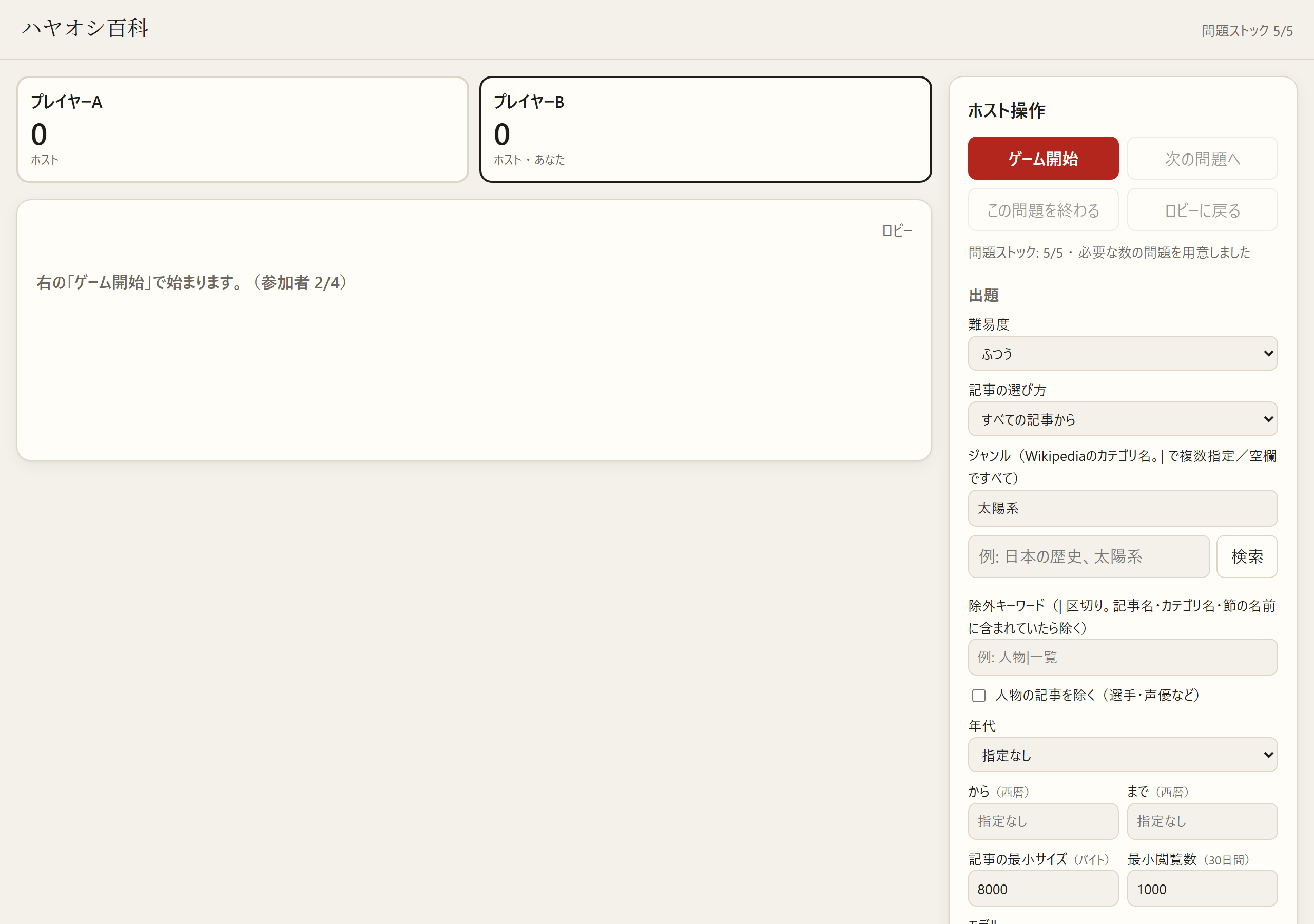
1. Eliminating Wait Time via 'Look-ahead' in Question Creation
When having an AI create quiz questions, it takes about 10–15 seconds per question. Instead of making the user wait for this time, we introduced a mechanism to 'look-ahead' and prepare them in the background. Specifically, while the user is answering, the system generates a predetermined number of questions (default is 5) sequentially in the background. By doing this, when the user moves to the next question, the question already prepared by the AI is displayed, making it possible to significantly reduce the perceived wait time.
- Question creation takes 10–15 seconds per question
- Pre-create the set number of questions (default 5) in the background
- A design that does not stop the user even while generating in the background
2. Design Prioritizing Judgment Processing
In a system, responses to user actions should be given the highest priority. In this tool, the 'correct/incorrect judgment' process by the AI is designed to be processed with higher priority than 'question creation.' This ensures that even while the system is generating the next question in the background, the judgment processing for the user's answer is never delayed. By clearly separating the processing priorities, we achieve a smooth operational feel.
- Judgment processing is executed with higher priority than question creation
- Separation of background generation processing and user response processing
3. Speeding Up via 'Matching' Before Calling AI
It is inefficient in terms of cost and time to have the AI judge every single answer. Therefore, we incorporated a 'matching' flow where the system completes the processing before asking the AI. First, the system side absorbs variations in notation (differences between Katakana and Hiragana, full-width and half-width, presence of symbols, etc.) and then matches them against the correct answer, reading, and alternative answers. If a match is found during this check, the answer is judged as correct immediately; the AI is only requested to judge as a last resort if no match is found. By inserting this 'matching before asking the AI,' we have succeeded in suppressing the AI's processing load while maintaining smooth progression.
- Step 1: Absorb notation variations (Katakana/Hiragana, Full-width/Half-width, Symbols) and match
- Step 2: Request judgment from AI only if no match is found
4. Other Improvements to Enhance User Experience
We have also made several adjustments for a smoother operational feel. For example, a function that automatically proceeds to the next question after 10 seconds have passed since the correct answer was announced (the number of seconds can be changed; setting it to 0 makes it a manual operation). Additionally, we have exception handling for cases where the response from external data (Wikidata) exceeds 10 seconds. In this case, the system estimates the era from the article's category (e.g., 'Companies established in 1911') and controls it so that no inquiries to Wikidata are made for 5 minutes, thereby increasing the stability of the overall system.
- Proceed to next question after 10 seconds from answer announcement (seconds changeable/manual switchable)
- Fallback for Wikidata response delays (era estimation from categories)
- Those who want to create their own apps or tools using AI
- Those who want to solve stress caused by AI response wait times
- Those who want to learn about priority thinking in system design
- Notation variations
- Cases where words with the same meaning are written differently (e.g., 'smartphone' vs 'smart phone', full-width 'A' vs half-width 'A', etc.).
- Wikidata
- A database that structurally accumulates information on almost everything in the world.
FAQ
Why don't you let the AI judge everything?
Because letting the AI handle all judgments causes processing wait times, which degrades the user experience. An efficient design is to pre-process what the system can handle and only call the AI when necessary.
In this improvement of 'Hayaoshi Encyclopedia,' we combined three points—'Look-ahead (preparing the next question in the background),' 'Judgment Priority,' and 'System Matching before asking AI'—to minimize AI wait times. Through these techniques, we have realized a tool that utilizes AI while suppressing stress during human operation to the absolute limit.